
Why redesigns can hurt rankings
When a website is rebuilt, page addresses often change. If Google still lists the old addresses and they now show an error page, visitors hit a dead end and the search value those pages had built up can be lost.
1. List every important old page
Before changing anything, collect the addresses Google knows about. Google Search Console shows which pages receive impressions and clicks, and your current sitemap lists the rest.
2. Map old pages to new ones
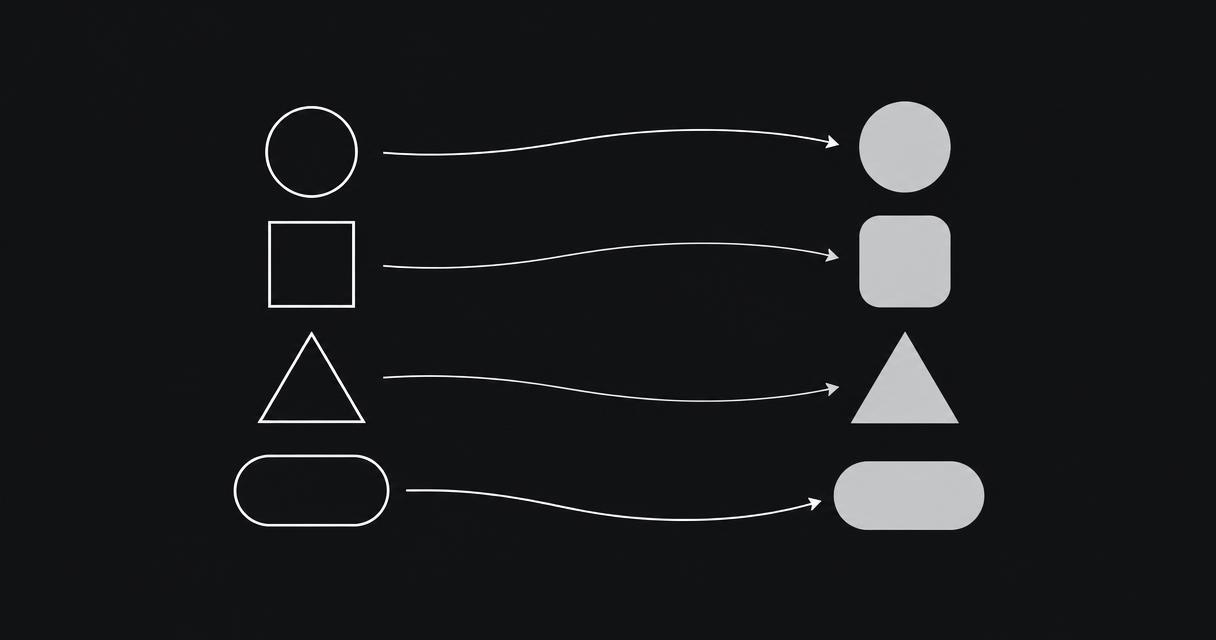
Match each old page to the closest new equivalent. A project page should redirect to the same project, a quote page to the new quote page. Avoid sending everything to the homepage, as Google treats that much like a missing page.
3. Add permanent 301 redirects
A 301 redirect tells browsers and Google that a page has moved permanently. It sends visitors to the right place and passes the old page's search value to the new one. We did exactly this when rebuilding our own site, redirecting old Google-listed addresses to their current pages.
4. Keep what was working
If a page ranked well, keep its key content, headings and topic on the new version. You can improve the design and wording, but removing the substance often removes the reason it ranked.
5. Check after launch
- Submit the new sitemap in Search Console
- Watch for new 404 errors over the following weeks
- Check titles and descriptions on every page
- Compare clicks and impressions with the previous period
Related:
Website support ↗